
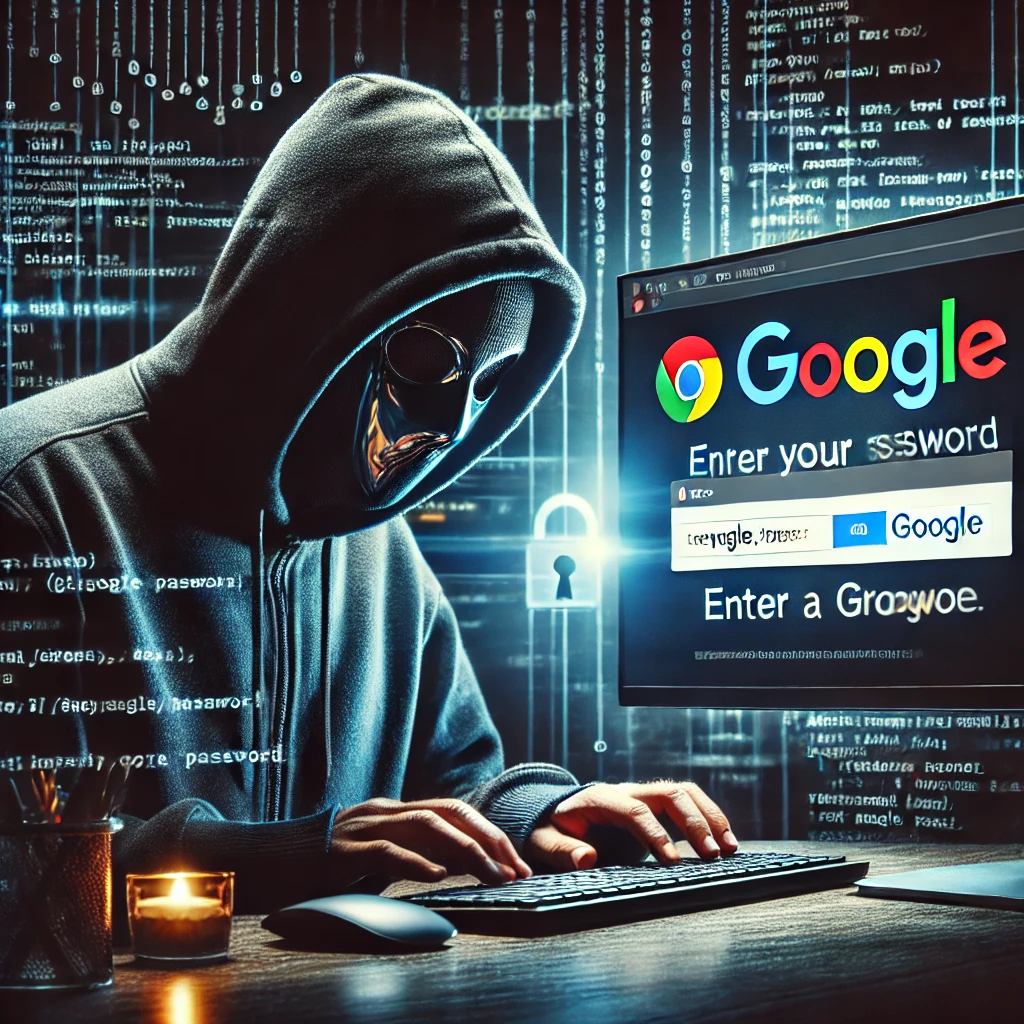
Hackers Force Chrome Users to Handover Google Passwords
In today’s digital world, cybersecurity threats have become frequent point of concern for everyone. Since Chrome is the most widely used web browser; therefore, the most favorite target for hackers are Chrome users. It is understandable that any web browser has to leave certain things open for web surfing. Therefore, by exploiting security loopholes and manipulating human behavior, Hackers Force Chrome Users to Handover Google Passwords to the hackers.
This trend is alarming and highlights significant risks to privacy and security of an individual. Today I will discuss that how are hackers luring in the users and why is it becoming so effective. Moreover I will also discuss certain steps that what are the steps that can be taken to protect yourself.
The Deceptive Tactics Used by Hackers Force Chrome Users to Handover Google Passwords
Hackers are becoming increasingly sophisticated in their tactics. Creating and circulating fake login pages is one of the most effective methods they’re using. This method is also known as phishing websites which are designed to look exactly like legitimate Google sign in pages.
These pages appear when a user attempts to log into his accounts via Chrome. Hackers capture the information as soon as user enters his credentials. Subsequently hackers use this information for nefarious purposes. These nefarious purposes include but are not limited to accessing their emails, social media accounts, and even their banking information.
Another trick hackers use is that they imbed malicious browser extensions. These extensions may be disguised as useful tools and can secretly steal user data, including Google passwords. Once these extensions are installed onto the system, they can bypass many of Chrome’s built-in security features. This makes it easier for hackers to gain access to sensitive information available on the system.
In some cases, hackers inject malicious code into websites by exploiting browser’s vulnerabilities. By doing this they can easily intercept passwords which is entered by users without any phishing sites or extensions.
Why is “Hackers Force Chrome Users to Handover Google Passwords” Scam Becoming Effective
Trust in Chrome and Google:
As I have mentioned above that globally, Chrome is one of the most widely used browsers. Undoubtedly Chrome is a product of Google and users trust Google for their personal data. This trust makes it easier for Hackers Force Chrome Users to Handover Google Passwords because they believe that anything coming with google interface is legitimate.
Sophisticated Phishing Attacks Used by Hackers Force Chrome Users to Handover Google Passwords:
Sophistication in Phishing attacks is becoming more and more convincing. Most of the time fake login pages which are created by hackers are hard to distinguish from the real ones. In some cases, it has been experienced that these pages even have a valid HTTPS certificate which makes them more credible.
Human Behavior:
No matter how secure a system is human interference is a significant vulnerability. People are often in a rush, distracted, or unaware of the subtle signs of a phishing attack. This human behavior leads Hackers Force Chrome Users to Handover Google Passwords.
Lack of Multi-Factor Authentication (MFA):
Most of the users solely rely on their passwords to secure their accounts. Hackers are looking for these types of users because they can easily break into simple password protected account. On the other hand if MFA is activated then even if the password is compromised, MFA acts as an extra layer of protection to prevent unauthorized access.
The Consequences of Compromised Google Passwords
Google has marked its authentication in the digital world. Therefore, most of the sign-ups acknowledge google account. Therefore, implications of losing control over your Google account are far reaching. Some of the potential consequences that I can foresee are discussed below:-
Access to Personal Information:
In this modern digital age, we have become habitual of uploading our data to our google account. Resultantly our Google accounts often contain our personal data, including emails, contacts, and even documents. Once hackers gain access to account, they can steal sensitive information and impersonate you, which is actually becoming very common in the recent days.
Identity Theft:
Once Hackers Force Chrome Users to Handover Google Passwords, he can use personal information to steal your identity, apply for credit in your name, and even commit crimes with your identity.
Financial Losses:
Because of ease of doing many people link their Google accounts to financial platforms. These platforms include their banking apps and payment services like Credit cards, PayPal e.t.c. If hackers Force Chrome Users to Handover Google Passwords, they can steal money or make unauthorized purchases.
Privacy Loss if Hackers Force Chrome Users to Handover Google Passwords:
With access to your Google account, hackers has a direct access to user’s account and he can monitor your online activity, spy on your communications, and can blackmail you if they find any such information.
Steps to Protect Yourself from Hackers Force Chrome Users to Handover Google Passwords
While the thought of hackers force chrome users to handover google passwords is frightening, yet there are several steps you can take to protect yourself:
Enable Two-Factor Authentication (2FA):
Enabling 2FA on your Google account is one of the best defense against hackers. Even if someone hacks your password, 2FA requires an additional verification step like One Time Password (OTP) which is sent through SMS.
Be Cautious of Suspicious Links and Unknown Emails:
Always check the URL of any login page before entering your credentials. Be cautious of unsolicited emails and messages. Particular those which ask you to sign in to your Google account.
Install Reliable Security Extensions:
Browser extensions are most commonly used to exploit vulnerabilities of Google Chrome. Therefore, always use trusted browser extensions only which come from well known sources. Before adding an extension to your browser always check user reviews and so some research before installing it.
Keep Chrome Updated:
With the evolving trends of cyberattacks, Google frequently announces patches for security vulnerabilities. You must keep your browser updated with latest security patch to reduce the risk to become a victim of cyberattacks that exploit outdated software.
Regularly Check Your Account Activity:
Although Google offers several tools to monitor your account activity; but, you must regularly check your login history. This will help you to identify any suspicious logins and take precautionary measures before any serious damage.
Use Strong, Unique Passwords to Avoid Hackers Force Chrome Users to Handover Google Passwords:
As I always say that a strong password is your first line of defense. Always use a combination of upper and lower case letters, numbers, and special characters for generating your passwords. Another advice is that avoid using the same password for multiple accounts.
What to Do If Hackers Force Chrome Users to Handover Google Passwords
If you suspect any suspicious activity on your Google account, then you should immediately take following steps:
Attempt to Change Your Password:
Normally as a result of hacking your password is changed. Therefore, you should immediately try to change your Google password. If you are lucky enough to change your password then make sure that new password is strong and unique.
Remove Access Permissions of Suspicious Apps:
Check your Google account settings to see which apps have access to your account. If you notice any unknown or suspicious apps then revoke their access immediately.
Verify 2FA:
If you already have not enabled 2FA to your account then immediately enable it to add extra layer of security.
Report the Hack:
Google has a dedicated system for reporting compromised accounts. Use this link to notify google about the breach.
Monitor Other Linked Accounts:
If your Google account is linked to other accounts, such as social media or banking apps then monitor them closely for any unusual activity.
The Future of Chrome Security Regarding Hackers Force Chrome Users to Handover Google Passwords
No doubt Google is constantly working to improve Chrome’s security features, but hackers are finding new ways to exploit the available vulnerabilities. In the future, we can expect use of stronger AI-based detection systems. These AI based cybersecurity systems are likely to have more advanced encryption methods, to reduce the risk of such attacks.
Having said that, the ultimate responsibility lies with users. Staying informed about the latest threats, being cautious online, and using updated security tools can significantly reduce the chances of becoming a victim of Cyberattack.
In the coming years, we may see a rapid shift towards more secure, passwordless login systems and AI-driven security solutions. But until then, vigilance, education, and proactive measures are best tools in the fight against cybercrimes.
Conclusion
Hackers are targeting Chrome users with sophisticated phishing attacks and malicious browser extensions to steal Google passwords. These attacks are highly effective due to user trust in Google, advanced phishing tactics, and human error. However, by taking steps which are mentioned above you can significantly reduce your risk of becoming a victim of these schemes.


Thanks for sharing such informative thoughts.
Thanks
Nice information to share.
Expect the unexpected.
Yes that is true